
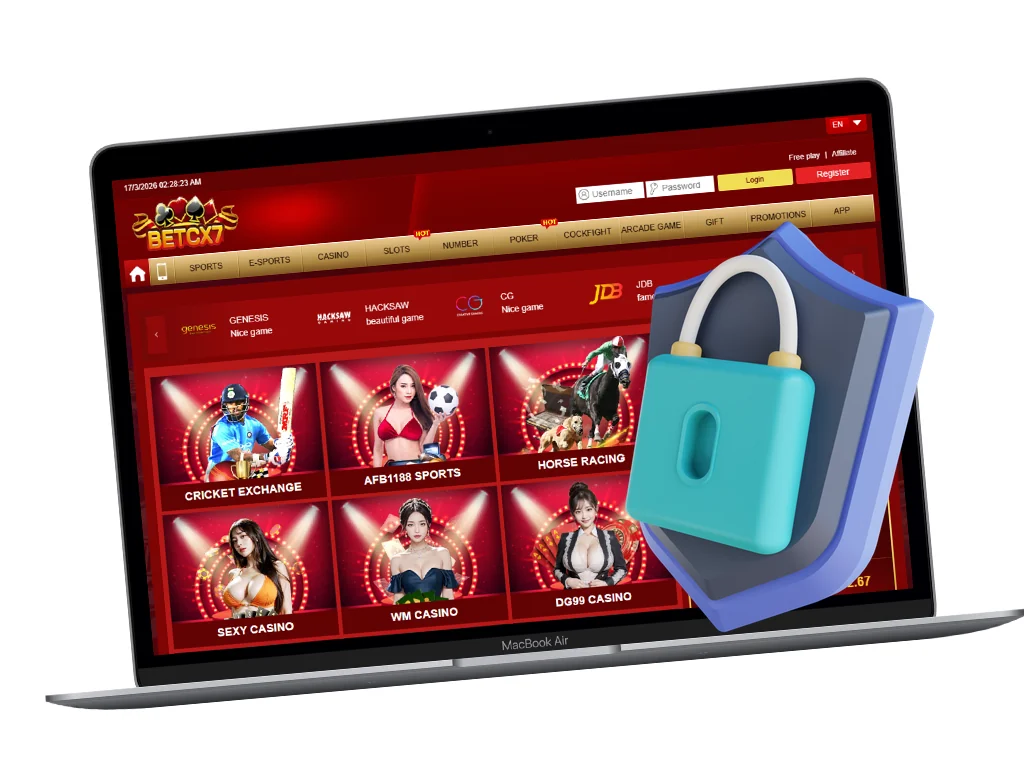
The BetCX7 cashier is the source of truth for currently available payment methods, transaction limits, fees and processing status. Options can change according to account, provider or banking availability.
Typical Payment Flow
- Login to your BetCX7 account.
- Open Deposit or Withdrawal in the cashier.
- Select a method currently available to your account.
- Review minimum, maximum, fees and any instructions.
- Enter the amount and confirm the payment details carefully.
- Keep the transaction reference until the balance is updated.
Pakistan-Facing Methods
Depending on current availability, the cashier may show local wallet, bank transfer or other gateway options. Do not send funds to a personal account or number unless it is displayed in the official cashier or confirmed by verified support for that transaction.
| Check | Why it matters |
|---|---|
| Account ownership | Payments may need to match the verified account holder. |
| Minimum/maximum | Transactions outside limits may fail or require manual review. |
| Bonus status | A bonus can affect withdrawal eligibility or turnover. |
| Verification | Identity or payment proof may be requested before withdrawal. |
| Reference ID | Useful for tracing a delayed transaction. |
Delayed Withdrawal
If a withdrawal is delayed, first check its status in transaction history. Then contact support with the withdrawal amount, date, method and transaction reference. Do not submit repeated withdrawals unless support advises it.
Frequently Asked Questions
Does BetCX7 support JazzCash or Easypaisa?
Availability can vary. Check the logged-in cashier for the current list of Pakistan payment methods.
How long do withdrawals take?
Processing time depends on the method, verification status and payment provider. The cashier or support should give the current estimate.
Should I pay through a link sent by a stranger?
No. Use the official cashier and confirmed support channels only.